
Twitch Channel Point Reward Ideas
Turning channel points on takes five minutes. The part that trips people up comes after.
Read with AI
Channel points are the points your viewers collect automatically while watching and can trade in with you for something. I build overlays that react to chat commands, which means I see across a lot of channels which rewards are still being redeemed weeks later and which sit dead in the list.
Two point systems, almost the same name
When streaming talks about points, it means two completely different things. Twitch channel points belong to Twitch: viewers collect them automatically while watching, see them under the chat box and spend them there on your rewards. Alongside that, nearly every chat bot runs a currency of its own, usually called loyalty points. StreamElements, Firebot and Streamer.bot each keep a separate balance per viewer, and you decide how fast it grows.
| Twitch channel points | Your bot's points | |
|---|---|---|
| Who hands them out | Twitch, automatically for watching | your bot, on your rules |
| Affiliate required | yes | no, from your first stream |
| Where the viewer sees them | under the chat box on Twitch | on request in chat, usually !points |
| Can an overlay pay them out | no | yes |
| What an overlay can do with them | start a round, nothing else | take the stake, credit the win, refund |
Row four is the one that decides everything else. Twitch offers no interface that would let an outside program credit somebody with channel points. No overlay can do it, no Twitch extension, no bot, only Twitch itself. Refunding works: reject a redemption and the viewer gets the points back. But that is a cancellation, not a payout.
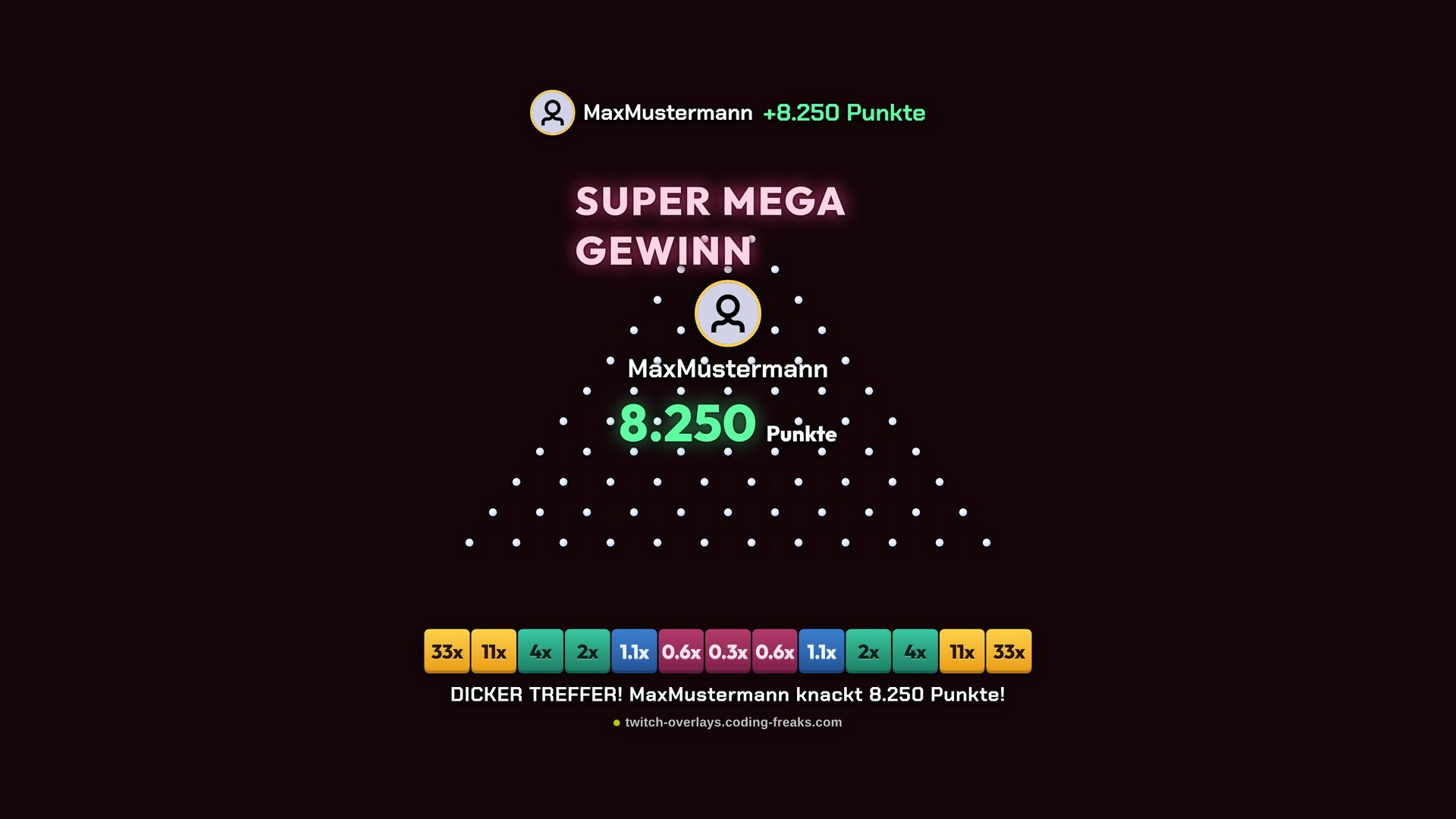
So my overlays deal exclusively in your bot's currency. When somebody stakes 500 on Ball Drop and wins 1,200, the overlay books that against StreamElements, Firebot or your Streamer.bot, never against Twitch. For you that mostly means one thing: point-based games need no Affiliate status. They need a bot with a currency, and you can have that from your first stream.
Turning channel points on
In the Creator Dashboard go to Viewer Rewards and then Channel Points. That is where you enable the system for your channel and add your own under Manage Rewards. Almost everything is set per reward: name, cost, colour, whether it asks for text input, and whether the redemption lands in your queue. Up to here it really is five minutes.
No Affiliate yet? Then use your bot's points, they work from your first stream. The video shows how to set them up with StreamElements or Streamer.bot and make your TTS overlay cost points, in under two minutes. It is spoken in German, the clicks are the same.
Six rewards Twitch already gives you
The moment you switch channel points on, six rewards are already there. They are not just suggestions: Twitch fulfils them itself, they never show up in your queue, and they need no bot and no overlay. That makes them the only ones guaranteed to run without you, and the cheapest possible start.
| Reward | What happens | My take |
|---|---|---|
| Highlight My Message | the chat line sits in a coloured box and stays at the top | leave it on |
| Unlock a Random Sub Emote | a non-subscriber gets one emote for 24 hours | leave it on |
| Choose an Emote to Unlock | same, except the viewer picks which one | price it above the random version |
| Modify Your Username Color | opens the colours otherwise reserved for Turbo and Prime | leave it on |
| Send a Message in Sub-Only Mode | a non-subscriber gets one message through while the mode is on | only if you actually use that mode |
| Modify a Single Emote | the viewer swaps one emote for another | off, it confuses more than it gives |
The prices sit on Twitch's defaults and can be changed one by one, same as your own rewards. What you cannot do here is delete one. Disabling works, and that is enough.
The limits Twitch puts on you
Before you invent a list, four numbers and one rule are worth knowing. They are not in the dashboard but in the documentation and the terms, and they shape your list more than any idea does.
- Fifty custom rewards is the ceiling per channel, and disabled ones count. You will never hit it in practice, but anyone who only deactivates old rewards instead of deleting them ends up with a graveyard.
- Cooldowns run from one minute to seven days and apply to everyone, you included. On top of that come two separate caps: how often a reward can be redeemed per stream, and how often by the same person.
- The queue can be skipped per reward, meaning redemptions count as fulfilled straight away. For anything a bot or an overlay carries out on its own that is the right setting, otherwise entries pile up for things that happened ages ago.
- Cost runs from 1 to 1,000,000. That ceiling is not advice, it is just where the input field stops.
- No reward with real-world value: Twitch's Channel Points Acceptable Use Policy prohibits redemptions that constitute gambling or hand over real-currency rewards. Points explicitly have no monetary value and cannot be traded outside Twitch.
That last one is closer to home than it sounds. A reward called Lottery, where 5,000 points buy a shot at a Steam key, falls under it. A game overlay running on your bot's currency does not, because no real money and no Twitch channel points are involved. I am not a lawyer, and the line sits where a redemption turns into something worth having outside Twitch.
Why most idea lists lead nowhere
Nearly every list online suggests rewards you have to act on yourself: let them pick your next game, do ten push-ups, pull a face. Those depend on you noticing mid-stream, interrupting whatever you are doing, and then delivering. That is exactly what stops happening reliably from week three onwards.
Once a redemption goes unanswered twice, chat stops buying it. Not out of annoyance, but because the points are better spent elsewhere. The rewards that survive are the ones that happen on their own. That, rather than originality, is the real filter for your list.
What a reward should cost
From here on this is about Twitch channel points. Viewers collect roughly 100 to 200 an hour, depending on how often they click the bonus chest Twitch pops into their chat by itself. The earn rate and the chest both belong to Twitch and cannot be changed. That turns into a simple rule of thumb: price a reward in watch time, not in points.
| Cost | Roughly equals | Good for |
|---|---|---|
| 100 to 300 | a few minutes | small stuff that may happen often |
| 500 to 1,000 | just under an hour | your standard reward, the workhorse |
| 2,000 to 5,000 | one stream evening | something that briefly interrupts the flow |
| 10,000 and up | a regular | once a month, and make it count |
When in doubt, price it too low and raise it later. A reward nobody can afford ends up looking exactly like a reward nobody wants.
None of that applies to your bot's currency. There you set the earn rate yourself, which makes every number arbitrary until you pick one. It pays to keep both systems in a similar range, otherwise one balance looks like play money next to the other.
Forty channel point reward ideas
Sorted by the filter above rather than by theme: the first group takes care of itself, the last one costs you attention every single time. Both belong on a good list, in a ratio not everyone gets right. Prices are Twitch channel points and starting points, not truths.
Runs without you the moment somebody redeems
Nothing here depends on you, only on a connection you set up once. This is the group the rewards come from that still get bought six months later.
| Reward | Cost | Who carries it out |
|---|---|---|
| Play a sound effect | 300 | your bot |
| Time yourself out for 60 seconds | 400 | your bot |
| Queue a song | 500 | your bot, if it does song requests |
| Confetti across the whole screen | 700 | your bot and OBS |
| Pin a message for two minutes | 800 | your bot |
| Have my message read out | 1,000 | the TTS Overlay |
| Put an image on screen for ten seconds | 1,500 | your bot and OBS |
| Emote-only mode for five minutes | 2,000 | your bot |
| Camera filter for one minute | 2,500 | your bot and OBS |
| Switch the OBS scene for 30 seconds | 3,000 | your bot and OBS |
Chat plays a round
The redemption starts an overlay in OBS, and from there the round carries on in chat. What sets this apart from the group above is that the buyer is not the only one who gets something: everyone else can join in, and that is what turns these rewards into events rather than buttons.
| Reward | Cost | Overlay |
|---|---|---|
| Uncover one tile on the minefield | 400 | Mines |
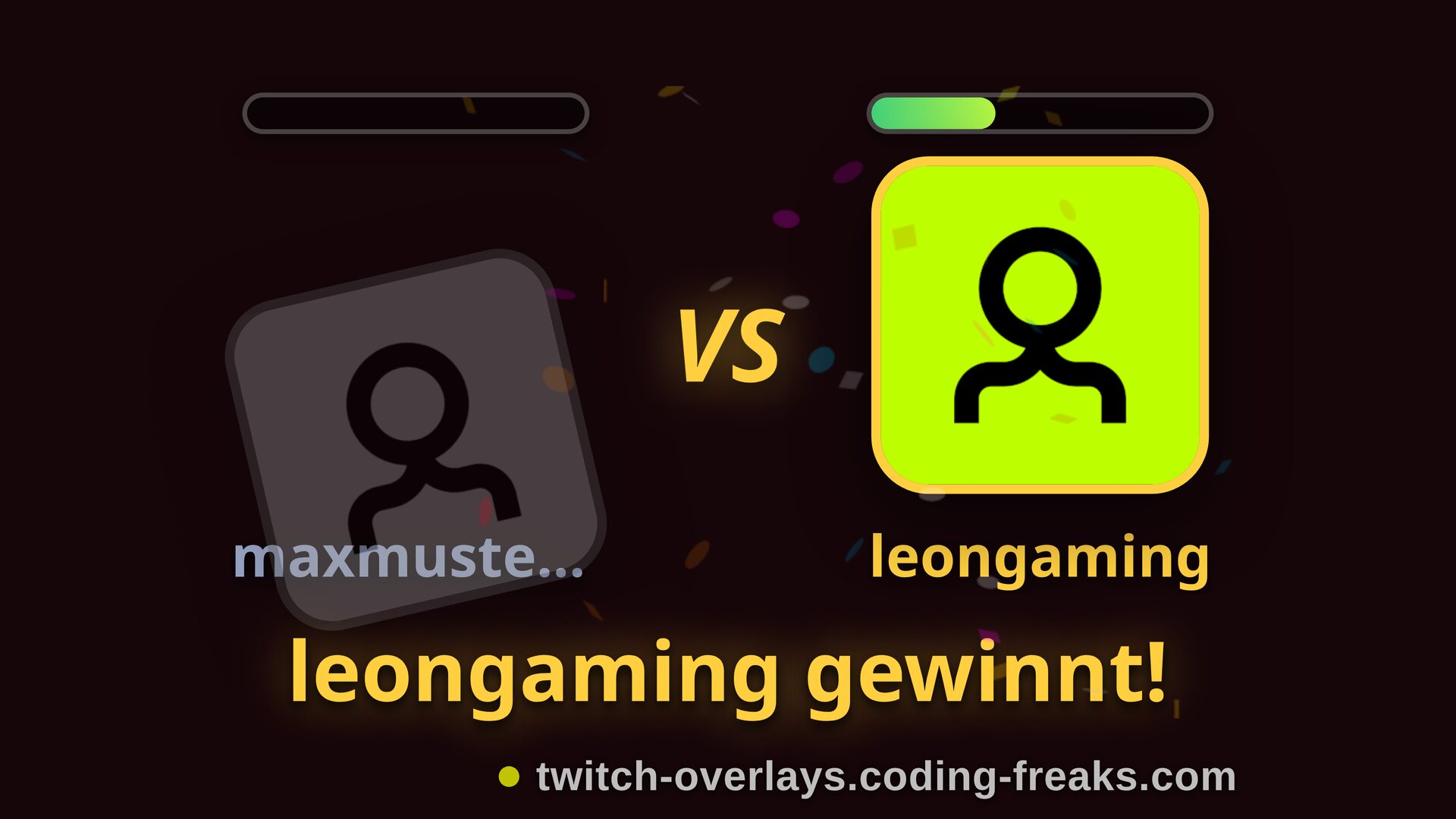
| Drop a ball | 500 | Ball Drop |
| A bingo card for the next round | 600 | Bingo |
| One spin on the slot machine | 700 | Slot |
| Challenge another viewer to a duel | 800 | Duel |
| A game of four in a row | 1,000 | Four in a Row |
| A game of nine men's morris | 1,200 | Nine Men's Morris |
| A guessing question for all of chat | 2,000 | CloserTo |
| Start a crossword for chat | 2,500 | Crossword |
| Defend one wave together | 3,000 | Tower Defense |
The costs in this table are Twitch channel points and buy nothing but the start. What gets staked and won inside is your bot's points, and those are two separate accounts. Twitch does not allow it to be built any other way, see above.
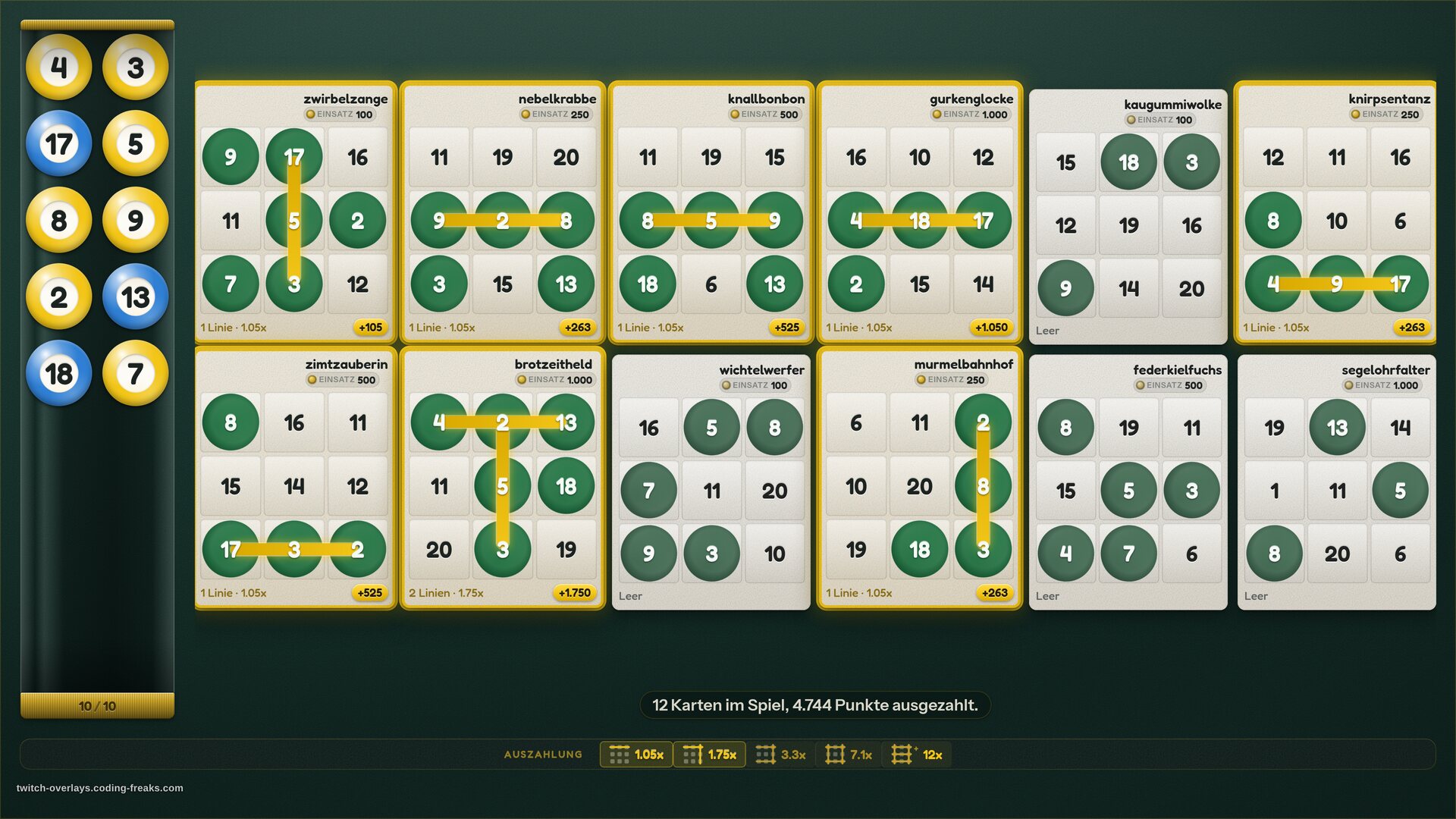
What separates the two is not the game but how long it holds attention. A duel is over in forty seconds and fits alongside anything you are playing. A bingo or a crossword runs for minutes and wants a moment where you are talking anyway. If you are unsure which kind suits your stream, start with the short one.
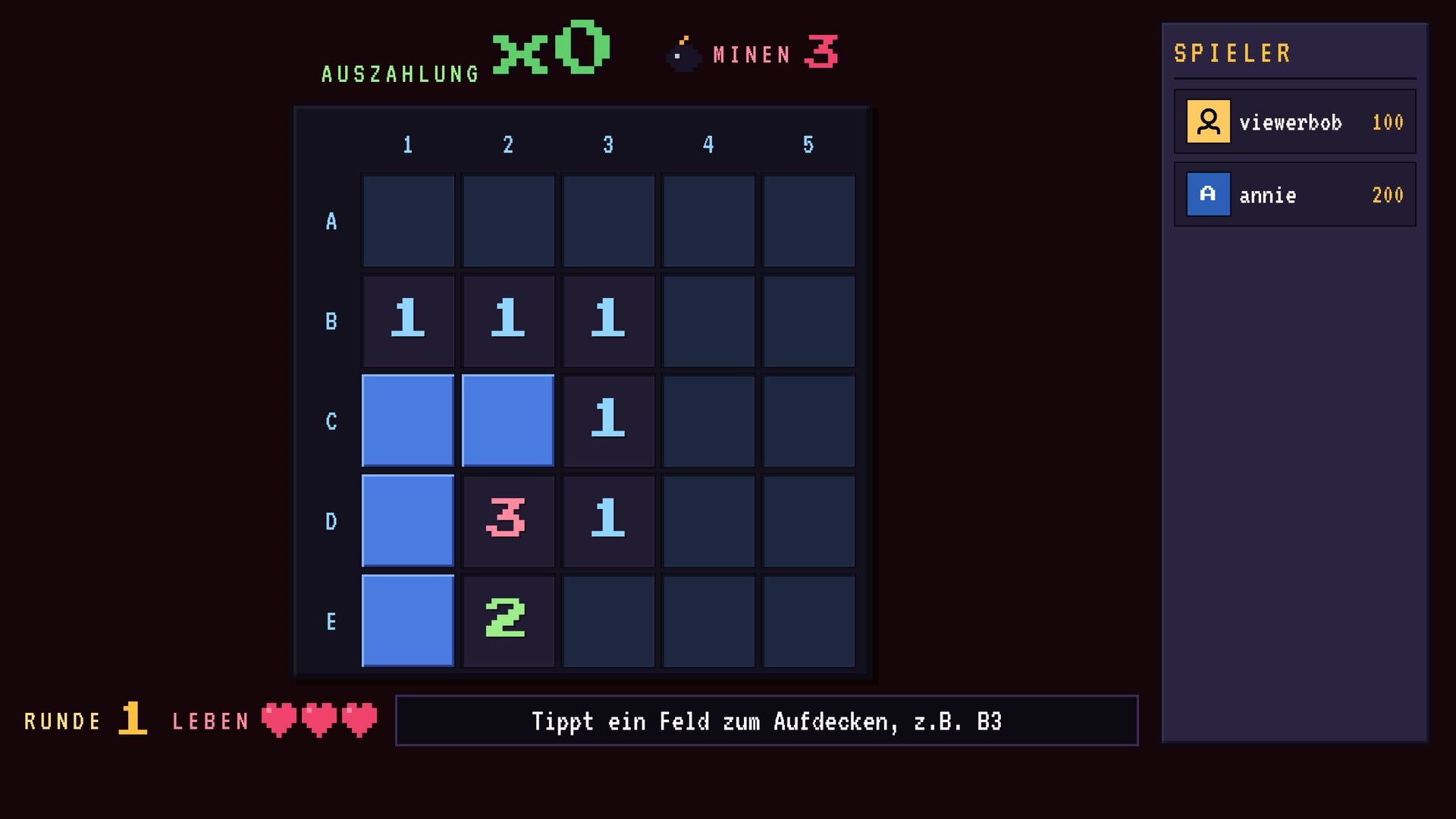
Ball Drop, Duel and CloserTo are yours to download and use. The others are supporter overlays and unlock when you support the project. What each one does is in the catalogue.
You do something, mid-stream
This group loses on the filter above, and it still belongs on every list. It is the one route by which chat reaches you directly, and that is why anyone cares about channel points in the first place. Two or three of them, though, not ten.
| Reward | Cost | When you deliver |
|---|---|---|
| Drink a glass of water | 500 | right away, and you should anyway |
| Pull a face at the camera | 800 | right away |
| Read out a joke chat sends you | 1,000 | right away |
| Keep talking in an accent for five minutes | 2,500 | right away |
| Take a five-minute break | 4,000 | when the run allows it |
| Pick the next game | 5,000 | after the current round |
| Play one round without headphones | 6,000 | if you dare |
| Ten push-ups | 8,000 | right away, and your back knows it |
The glass of water sits first and cheapest on purpose. It is the only reward in this table that leaves you better off than before, and in nearly every channel that has it, it ranks among the most redeemed. If you take just one from this group, take that one.
Rare, expensive, once a month
The top end of your list, for people who have been saving for months. These get redeemed rarely and are meant to, because their job is to exist. They give a balance something to climb towards.
| Reward | Cost | When you deliver |
|---|---|---|
| Chat picks your outfit for the next stream | 12,000 | next week |
| A role in the Discord | 15,000 | one click |
| VIP for a month | 20,000 | one click |
| Name your in-game character | 25,000 | at the next game start |
| Play a round together | 30,000 | after the stream, by appointment |
| Suggest an emote | 40,000 | at the next free emote slot |
Over a year, the reward that gets bought most is still almost always the cheapest one with an immediate visible effect, not the most expensive one. The expensive one at the top does its work by sitting there.
Wiring an overlay to a reward
My overlays listen to chat commands, and moderators are allowed to start a round on someone else's behalf. So you need no technical connection to begin with: you create the reward in Twitch, and whoever redeems it gets the matching command typed into chat by you or a mod. That works today, with any bot, and with none.
It also works automatically, on two routes. One hangs off Twitch: the channelPointsTriggers entry ties a Twitch reward directly to a command, so the redemption starts the round without you. It lives in the config.js the Config Hub writes for you, under All settings for this overlay. I have so far only built that path against Streamer.bot's documentation and not tested it against a real redemption. Until that changes, the manual route above is the safer bet.

The other route does not involve Twitch at all. StreamElements runs a store of its own where viewers spend their loyalty points, and such a purchase can start a round just as well, through the redemptionTriggers entry. That path I did capture and check against a real redemption. Without Affiliate it is currently the most reliable option. Which bot can do what is covered in the chat bot comparison.
How an overlay gets into OBS at all is covered in the browser source guide.
Three mistakes you only make once
First, too many rewards. At fifteen entries nobody scrolls, and the bottom ones effectively do not exist. Five to eight is plenty, and you are allowed to rotate them.
Second, pricing something loud too cheaply. A 100-point reward that fires a sound effect gets redeemed every minute until you switch it off. Price is the only brake you have.
Third, rewards you cannot deliver in the moment. If you cannot fulfil a redemption, refund the points in the dashboard instead of quietly ticking it off. It costs ten seconds and it is the difference between a slip and a loss of trust.
Frequently asked
Do I need Affiliate for channel points?
For Twitch's channel points, yes: without Affiliate the menu entry never appears. For point-based games in my overlays, no. Those run on your bot's currency, so StreamElements, Firebot or Streamer.bot, and that works from your first stream.
Can overlays pay out Twitch channel points?
No, and that goes for every program except Twitch itself. Twitch offers no interface for crediting channel points. Stakes and winnings in my overlays therefore run on your bot's points. Refunds are the one exception: reject a redemption and Twitch returns the points automatically.
How many rewards should I create?
Five to eight. Past that the list turns into wallpaper and the lower entries are almost never redeemed. Rotate them seasonally rather than piling them up. The technical ceiling is fifty custom rewards per channel, disabled ones included.
Which rewards does Twitch provide by default?
Six: Highlight My Message, Unlock a Random Sub Emote, Choose an Emote to Unlock, Modify Your Username Color, Send a Message in Sub-Only Mode, and Modify a Single Emote. Twitch fulfils them itself, they never reach your queue, and they need neither a bot nor an overlay. You cannot delete them, but you can switch them off.
How many channel points does a viewer earn per hour?
Roughly 100 to 200, depending on how often they click the bonus chest Twitch drops into chat. Subscribers get a bump. Twitch sets that rate, not you. With your bot's currency it is the other way round: there you set the earn rate yourself.
Can I refund points?
Yes, for Twitch channel points. You can reject a redemption in the dashboard and the viewer gets the points back. Use it when you cannot deliver, instead of silently ticking the redemption off.
Can I trade channel points for game keys or money?
No. Twitch's Channel Points Acceptable Use Policy prohibits redemptions that constitute gambling or hand over real-currency rewards, and points explicitly carry no monetary value. A raffle where points are the tickets falls under that. A game overlay running on your bot's currency does not, because neither real money nor channel points are involved.
Can a redemption start an overlay automatically?
Yes, on two routes. Through a Twitch reward with the channelPointsTriggers entry in the config.js the Config Hub writes: the code runs across all of my overlays but has not been tested against a real redemption yet. Or through a StreamElements store purchase with redemptionTriggers, which I did check live and which needs no Affiliate. If neither fits, a mod types the command.
Last updated on October 10, 2026.