
TTS Overlay Twitch Overlay
Your Twitch chat gets a voice: !say, and the message is read out live on stream.
Viewers type !say <text> and the overlay reads the message aloud with a real voice, fully local in the browser, no cloud service required. Five card themes plus a text-only light theme, avatar, a pronunciation dictionary for German, and optional read-aloud for your bot's points (StreamElements, Streamer.bot or Firebot) or via the StreamElements store.
Set up in your browser, about three minutes. Easiest in Edge or Chrome.
!say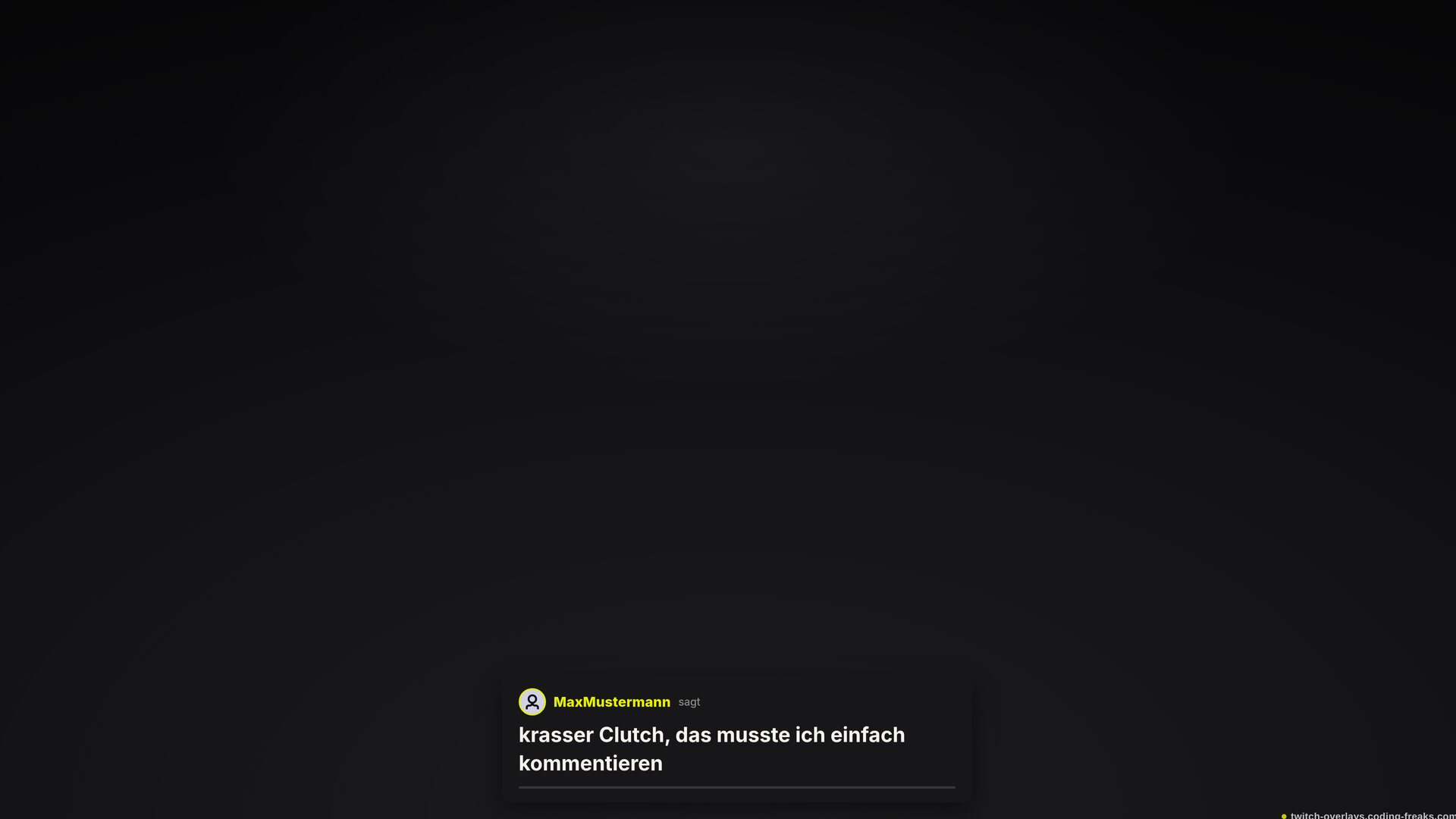
What this overlay does
// In short
Viewers who never stand out suddenly get heard, just for typing one line. When a viewer types !say followed by some text, a plain card appears at the bottom with their name and avatar, and a real, natural-sounding voice reads the message aloud on stream. Speech runs fully local in the browser through a neural Piper voice model bundled right into the overlay: no cloud service, no server of your own, no Docker, and after the first load no further downloads either, even offline. A built-in pronunciation dictionary makes sure English names and streaming slang still come out right under German pronunciation rules, and channel-specific entries can be added on top. Requests are read one after another in a queue; paid StreamElements redemptions jump the free chat queue with a gold highlight, a single store item is all it takes to set up. Five card themes, from lime through coral and ice blue to a colourless mono look, cover most scenes, and a text-only light theme drops the card panel entirely, placing name and text straight over the video with a heavy drop shadow for legibility on any background. Long messages scroll smoothly upward instead of being cut off. Position, volume, speaking rate, character limit and who may use the command are all configurable. As an OBS browser source it is a single HTML file, with the voice model sitting in its own folder right next to it.
Features
// What's inside
Chat commands
// What your community types
| Command | Who | Effect |
|---|---|---|
!say <text> | Viewer | Speak the text aloud and show it on the overlay card |
Key settings
// What you tweak in config.js
theme- Card look: lime, coral, ice, mono or light (no card panel)
position- Corner or edge, for example bottom-center or top-right
command- The chat command, default !say
commandPermission- Who may use the command: everyone, mods only, or broadcaster only
voice- Voice model: thorsten (German), ljspeech or norman (English), empty = match the language
rate- Speaking rate, from slow to fast
maxChars- Maximum characters per message
pronunciations- Custom pronunciation fixes for names or terms
redemptionTriggers- StreamElements store items that trigger a paid read-aloud card
Screenshots
// From the overlay