
Privacy Cover Twitch Overlay
A solid surface over your scene that only opens while you hold the button.
One HTML file as a browser source, the control dock beside it, and one drag to put the surface over the area. No bot, no points, no account: OBS running is enough.
Set up in your browser, about three minutes. Easiest in Edge or Chrome.
!zu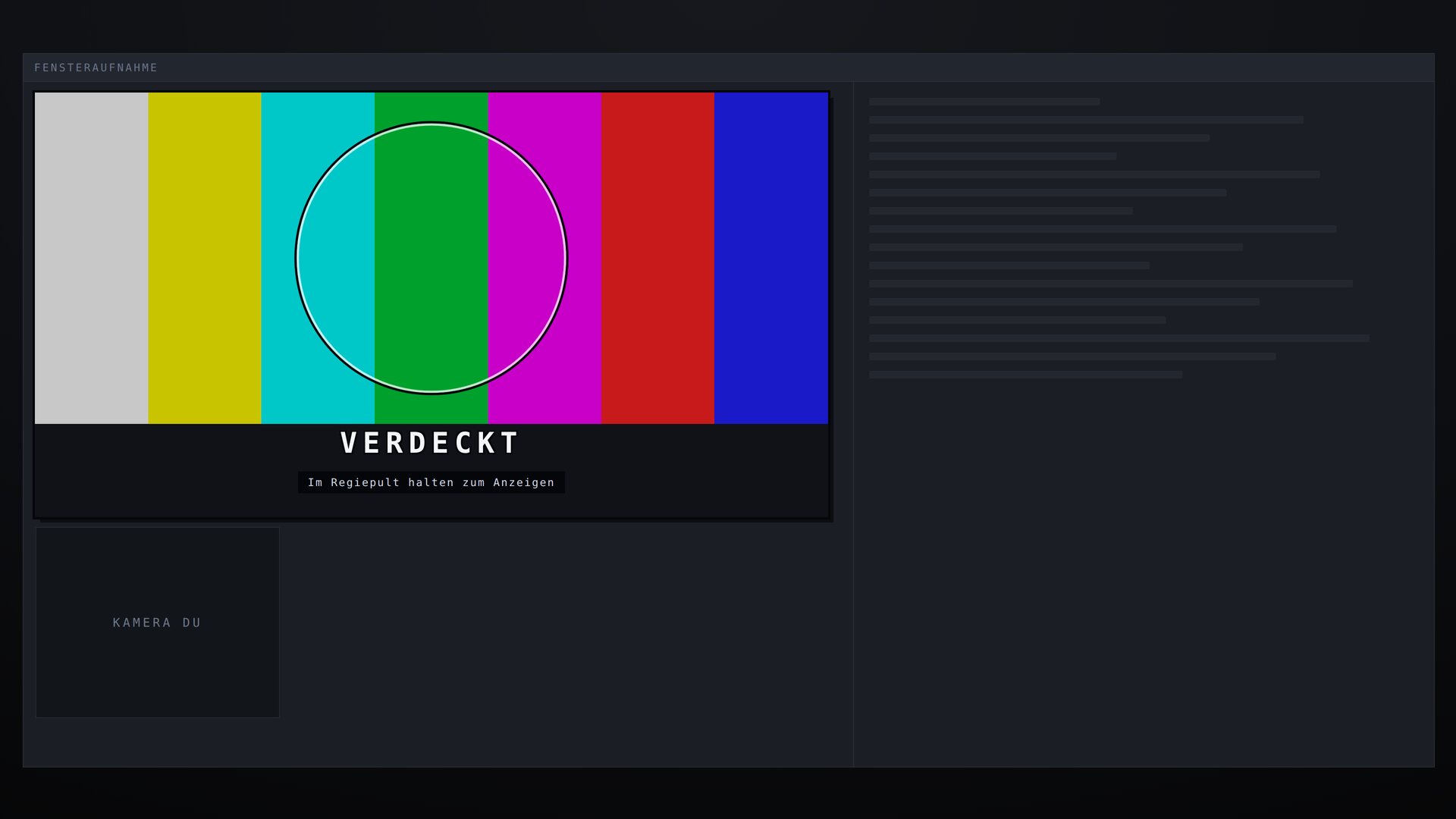
What this overlay does
// In short
Whatever should stay hidden stays hidden until you show it: your video chat guest's camera, a window with private data, the answer to a riddle, the result before the reveal. The surface sits over an area of your OBS scene and only opens while you hold the button in the control dock.
Covered is the normal state, not something that has to be produced first: after every reload, every scene switch and every crash it is back on top. Even when the control dock dies mid-hold or OBS freezes, it falls shut by itself. The cover detects nothing, and that is exactly why it works in the moment a detector would guess wrong.
Where the surface sits is something you drag into place in align mode, stored as a percentage of the canvas. Several covers run at once, each with its own name. Mods can close with !zu at any time; chat can never open anything, and that stays that way.
Features
// What's inside
How you set it up
// Once, then it stays
Chat commands
// What your community types
| Command | Who | Effect |
|---|---|---|
!zu | Mod | Closes every cover at once. There is no counterpart that opens them |
What you can use it for
// Examples from the stream
- Random video chat
- The guest stays covered until you show them. When they change, you do nothing, because the surface is already there.
- Your second screen
- Discord windows, mail, the tab with your orders. Sharing a desktop means broadcasting whatever pops up on it.
- Riddles, quizzes and answers
- The answer is on screen already and only becomes visible when you press the button. No scene switch at the worst possible moment.
- Cards and game state
- In card and strategy games, cover your own hand for as long as your opponent could be watching.
- Setting things up live
- Tokens, keys and passwords in a bot or OBS dialog stay under the surface while you work on them.
- Spoilers
- Final boss, reveal, result: covered until chat is ready for it.
- Your own camera
- Stepping away, someone walking in, a parcel at the door. Put a cover on your own camera, and a mod closes it with !zu from a phone.
Key settings
// What you tweak in config.js
blenden- Where the surfaces sit, as percentages of the canvas. Set in align mode, not by hand
theme- Cover image: testbild, zensur or rauschen
maxOffenSekunden- Emergency brake: the longest a single reveal may last. 0 turns it off
fristMs- Grace period after the dock's last signal. Higher means longer open when something crashes
hinweisSekunden- How long the line "hold in the control dock to reveal" stays on screen. 0 never, -1 forever
text- Caption on the surface. Empty leaves it silent
commands.zu- Name and permission of the panic command
Screenshots
// From the overlay