
Clip Twitch Overlay
Chat calls !clip and OBS saves the last few seconds, after the fact.
A chat command that always arrives too late and still lands: !clip writes out the OBS replay buffer, meaning the seconds BEFORE the command. Anyone calling within the collect window joins the same on-screen card. No bot needed, any bot works.
Set up in your browser, about three minutes. Easiest in Edge or Chrome.
!clip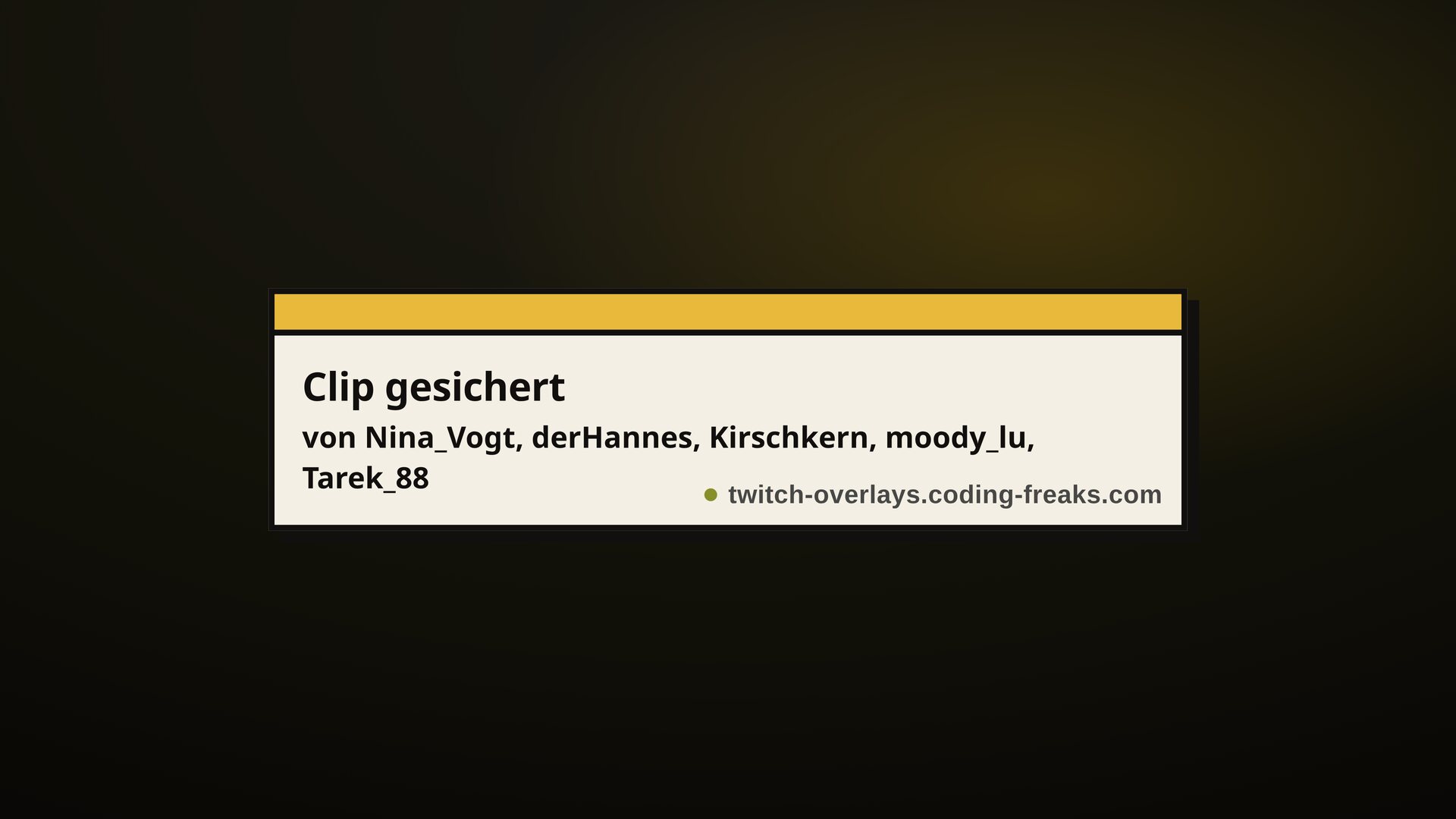
What this overlay does
// In short
The best moment is always already over by the time anyone notices it. That is exactly where clip commands fail when they start a recording as you type: they capture the reaction, never the trigger. This overlay goes the other way and reaches into the OBS replay buffer, which keeps the last few seconds in memory at all times. When someone calls !clip, those seconds are written backwards to disk, in full recording quality and without a detour through any platform. On screen a clapperboard confirms the clip and names the people who saw the moment. If half the chat calls at once there is still only one file: anyone calling within the collect window is not turned away but joins the same card as a co-clipper. After that a lockout keeps one good moment from becoming twenty files. The overlay never touches your points bot, so it behaves identically with StreamElements, Firebot, Streamer.bot or no bot at all. If you also want a real Twitch clip, you can connect that voluntarily in the Config Hub; without that connection you simply keep the local file, which is the better editing material anyway.
Features
// What's inside
How a round works
// Step by step
Chat commands
// What your community types
| Command | Who | Effect |
|---|---|---|
!clip | Viewer | Saves the last few seconds from the OBS replay buffer |
Screenshots
// From the overlay