
Prize Wheel Twitch Overlay
A wheel your chat spins along.
A spin wheel as an OBS browser source: you or your mods spin with !drehen, viewers with channel points, and for a giveaway they add themselves with !mitmachen. Free, no account.
Set up in your browser, about three minutes. Easiest in Edge or Chrome.
!drehen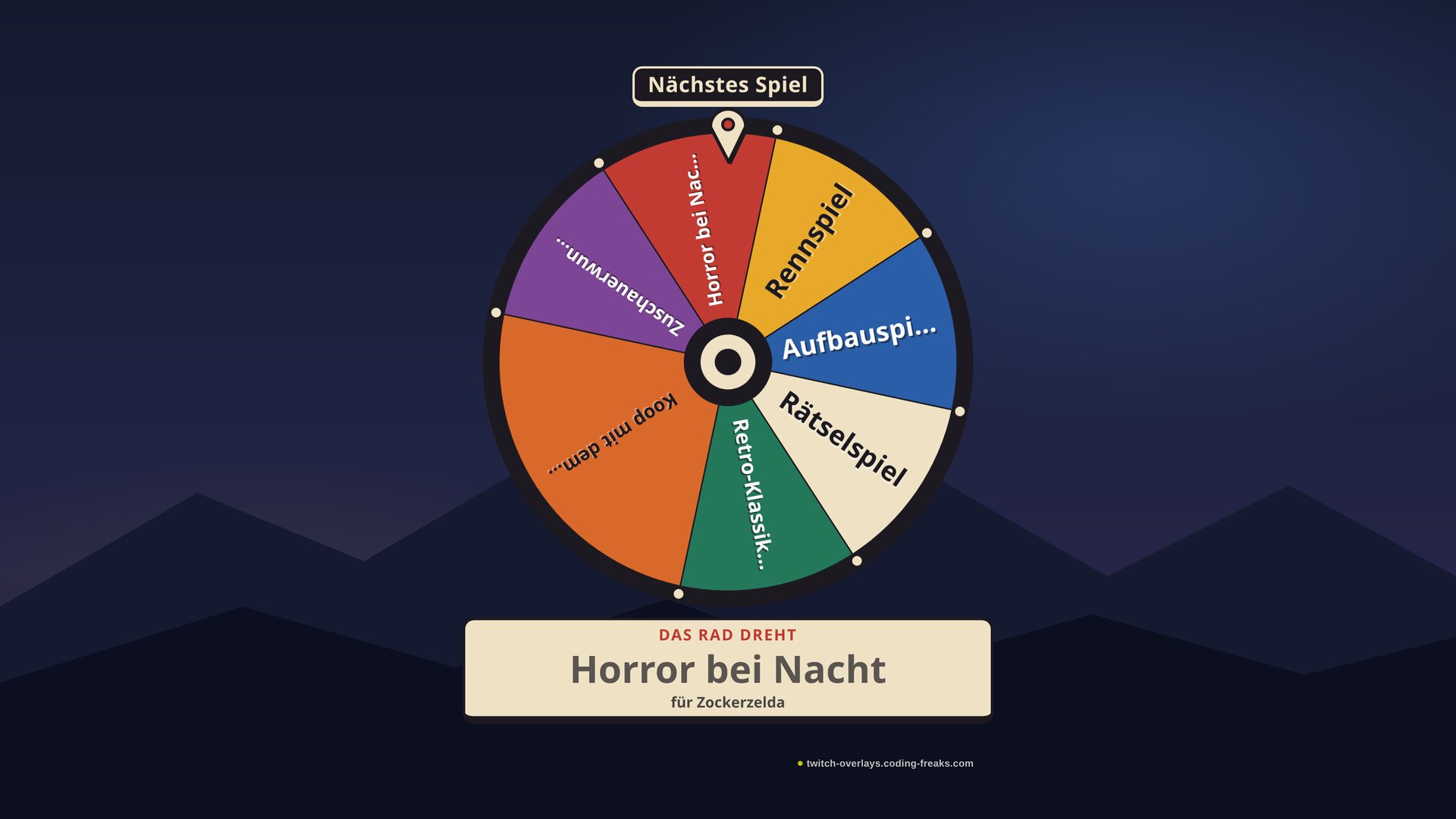
What this overlay does
// In short
The prize wheel sits in your scene and spins when you, a mod or your chat wants it to. A mod types !drehen, the wheel coasts for a few seconds and the result appears large underneath. If you would rather click, spin from the control panel, which sits in OBS as a dock.
You decide the entries: the next game, a forfeit, a prize. Keep them in Excel or Google Sheets and bring them in through the Config Hub, with a Weight column for entries that should come up more often. The Wheel column gives you several wheels, say Next game and Forfeits, and !rad switches between them on stream.
For a giveaway, !verlosung opens a time window. Everyone who types !mitmachen lands on the wheel as an entry of their own, each name once. Then the wheel spins on its own, and the winner comes straight off the wheel so the next spin draws a different name. Viewers can also spin with channel points, which needs Streamer.bot, StreamElements or Firebot.
Features
// What's inside
How to set it up
// Add entries, then spin
Chat commands
// What your community types
| Command | Who | Effect |
|---|---|---|
!drehen [wheel] | Mod | Spin the active wheel, or a particular one like !drehen forfeits. Alias !spin |
!rad [name | aus] | Mod | Switch to a wheel and show it, for example !rad forfeits. !rad aus hides it. Alias !wheel |
!verlosung [seconds | zu | abbrechen] | Mod | Open a giveaway, for example !verlosung 60 for one minute. zu closes it at once. Alias !giveaway |
!mitmachen | Viewer | Join an open giveaway with your own name on the wheel. Alias !join |
What you can use it for
// Examples from the stream
- Next game
- Five games on the wheel, chat watches, and nobody can complain about the pick.
- Giveaway
- A key or a sub to give away: open the window, everyone types !mitmachen, and the wheel draws the winner in front of everyone.
- Forfeits
- Lost the round? The forfeit wheel decides between ten squats and a round in an accent.
- Channel points
- Viewers redeem a reward and spin themselves. If a spin is running, the redemption waits its turn.
- Yes or no
- Two entries, one question from chat. A weight tilts the odds a little.
Key settings
// What you tweak in config.js
felder- The wheels as a list in config.js. Easier through the spreadsheet in the Config Hub, which writes felder.js
radImmerZeigen- Keep the wheel on screen between spins. Off: it only appears to spin
zuschauerDreh- Every viewer may type !drehen, with a cooldown per viewer and for everyone
drehSekunden- How long the wheel spins, 2 to 30 seconds
ergebnisSekunden- How long the result stays under the wheel
verlosungSekunden- Giveaway length when !verlosung comes without a number
verlosungAutoDrehen- Spin on its own after the giveaway, or wait for you
lateGraceSec- Grace period in seconds in which !mitmachen still counts after zero
chatAnsage- Write the result and an open giveaway to chat, needs a bot
posX- Where the wheel sits, with posY and skala in percent of the scene
kanalpunkteBelohnung- Title of your channel point reward, exactly as on Twitch: it spins the selected wheel through your bot. Set it in the Config Hub
channelPointsTriggers- For several rewards in config.js, each one can spin a particular wheel
commands- Names and permissions of the four commands
Screenshots
// From the overlay